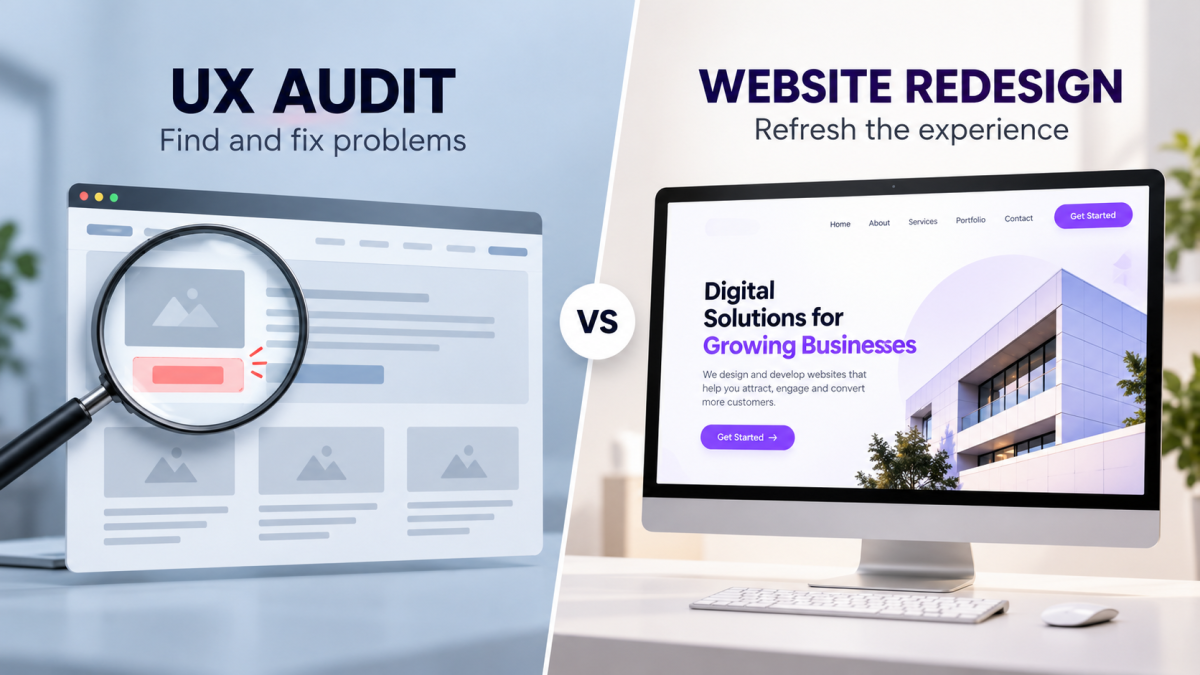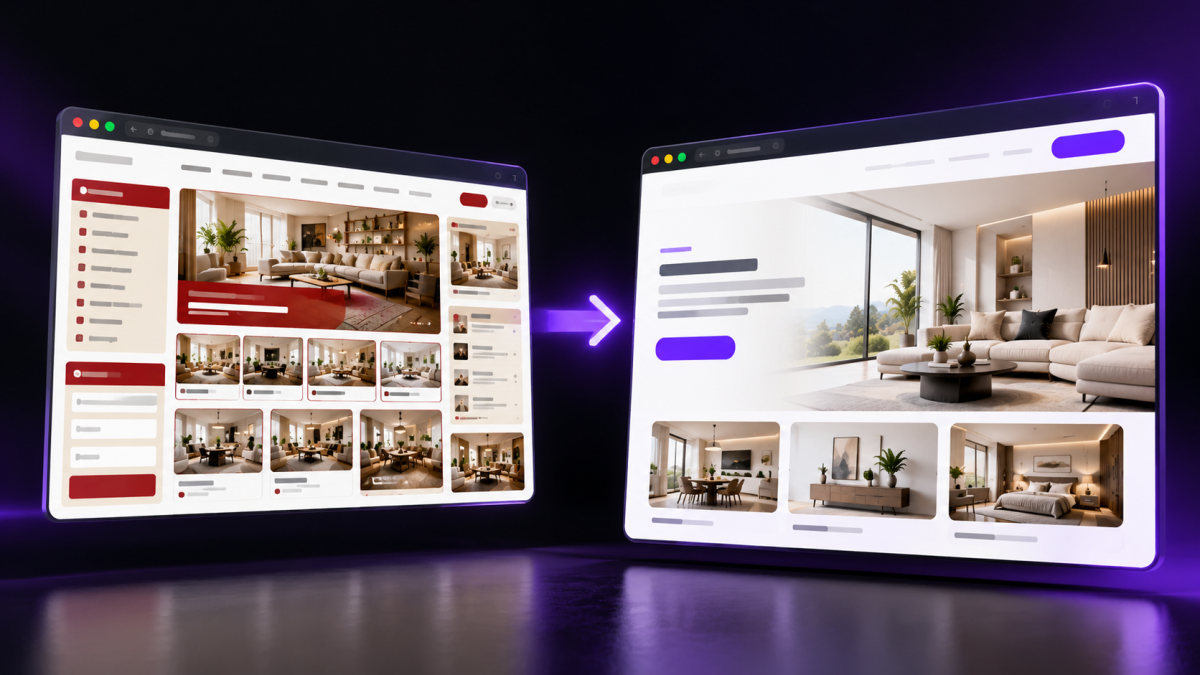
A website can attract visitors but still fail to generate enquiries or sales. The problem may not be your marketing—it could be how people experience your website.
Here are seven common UI/UX mistakes and how to fix them.
1. Slow Loading Speed
Visitors may leave if your website takes too long to load.
How to fix it:
- Compress images and use WebP.
- Remove unnecessary scripts and plugins.
- Optimize code and choose reliable hosting.
2. Unclear Messaging
Visitors should quickly understand what your business offers and who it serves.
How to fix it: Use a clear headline explaining your services and the value you provide.
For example, replace “Innovative Digital Experiences” with “We Build Websites and Mobile Apps That Help Businesses Grow.”
3. Confusing Navigation
Complex menus make it harder for visitors to find information.
How to fix it: Keep navigation simple with clear labels such as Home, About, Services, Portfolio, and Contact.
4. Weak Calls to Action
Visitors may leave without contacting you if the next step isn't obvious.
How to fix it: Use clear, visible buttons such as “Get a Free Quote,” “Book a Consultation,” or “Contact Us.”
5. Poor Mobile Experience
Small text, difficult-to-tap buttons, and horizontal scrolling frustrate mobile users.
How to fix it: Use responsive, mobile-first design, readable typography, touch-friendly buttons, and optimized images.
6. Lack of Trust
Visitors may hesitate to contact a business that provides little evidence of its credibility.
How to fix it: Display genuine customer reviews, testimonials, case studies, business details, and relevant project examples.
7. Design Without a Purpose
Animations and visual effects cannot compensate for confusing content or a difficult user journey.
How to fix it: Prioritize usability, clear messaging, accessible layouts, and straightforward paths to conversion.
How Do You Know If Your Website Has a UX Problem?
Look for signs such as:
- Visitors rarely submit enquiries.
- Contact forms receive few submissions.
- Users struggle to find important information.
- Mobile visitors encounter usability issues.
Use analytics and user feedback to identify the actual problems before redesigning your website.
How Icon Tech Studio Can Help
Icon Tech Studio builds and improves websites with a focus on usability, performance, and conversions.
Want to identify what's holding your website back? Request a free UX audit from Icon Tech Studio to discover practical improvements for your business.